Choose an existing brand
Use the brand selector to open the brand whose report you want to read. In Account settings, Brands lists the brands available to this account. Choose Open setup to review that brand’s facts, websites, competitors and measurement setup. Account membership and brand measurement progress are separate.
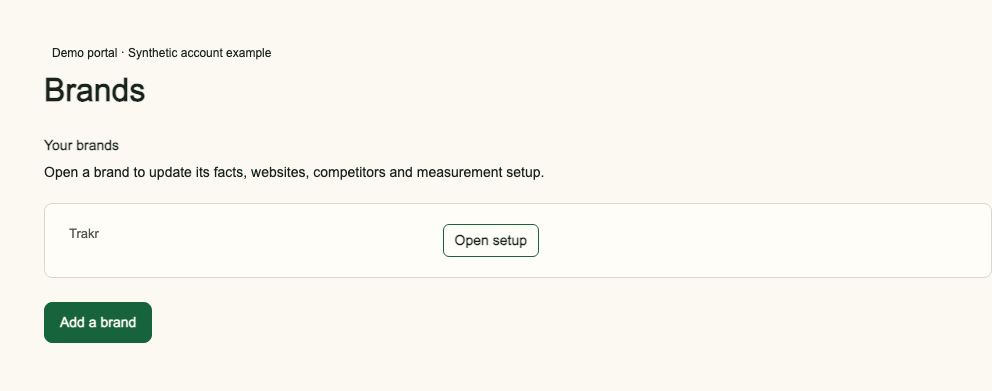
Add a brand
An account owner can choose Add a brand in Brands. Enter the brand name and website domain, without https:// or a page path. Choose Add brand and continue. The new brand opens in Brand Setup. Complete its facts, markets, languages, competitors and questions. A market is one website in one country and one language; the account's included markets are shared across its websites. The owner approves the questions once; measurement then starts automatically when setup is complete. A newly added brand has no measured results yet.
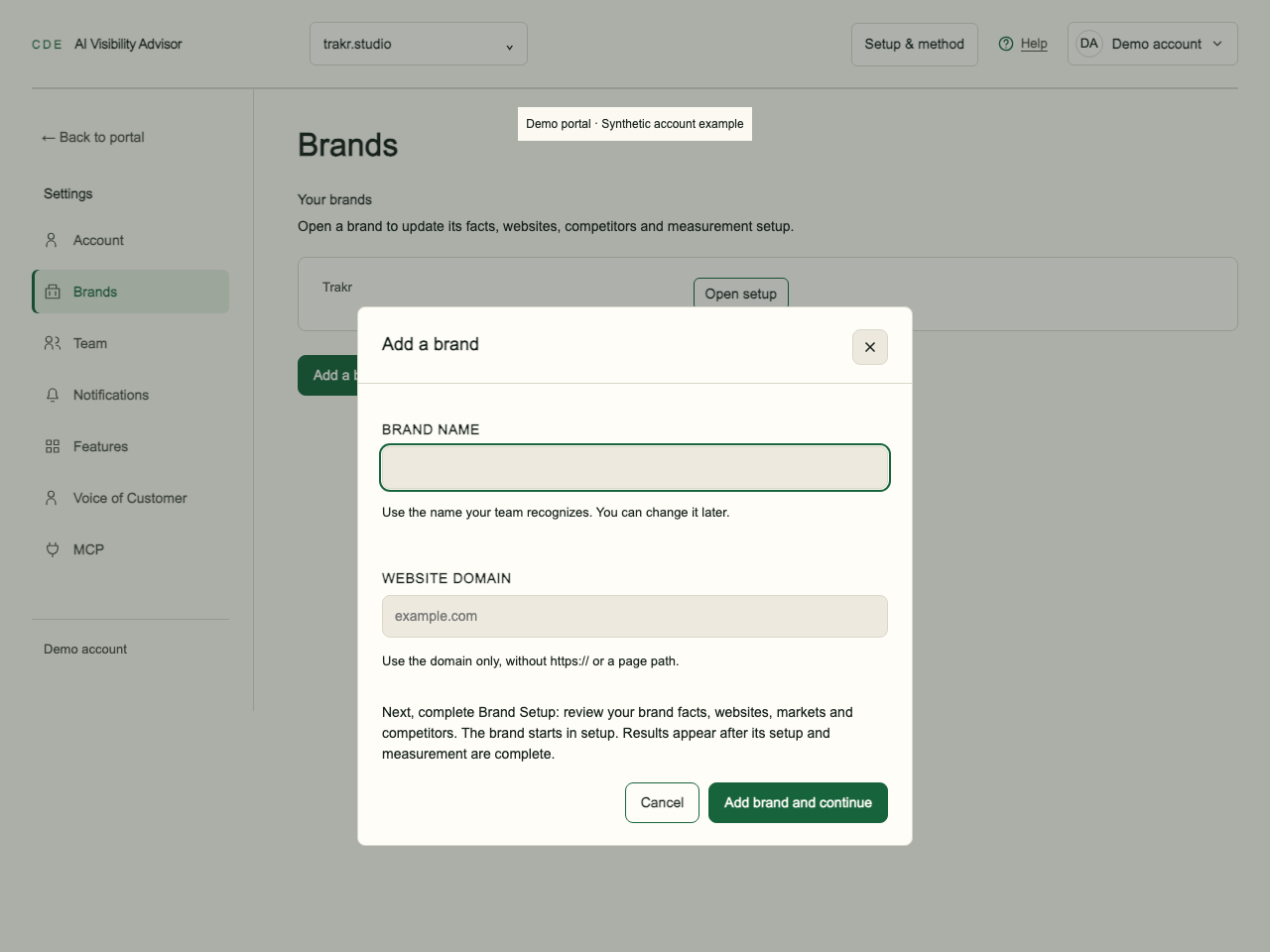
If a domain cannot be added, check the address or write to support@creative-data-engineers.com. The brand allowance depends on the account’s plan or licence; write to support@creative-data-engineers.com if another brand cannot be added.
Ask about a plan or invoice
Write to support@creative-data-engineers.com for plan, invoice or payment questions. There is no Plan & billing page in the current Settings navigation. Adding a brand does not itself create a completed billing agreement.
Already a member of another account? You can buy your own plan with the same email; see the question below.
Markets and questions
Start includes 1 market, System 2 and Scale 5, plus any additional markets you purchase. The same website measured in France in French and in Switzerland in French uses 2 markets. Adding German in Switzerland uses a third market. Settings shows your used and available markets and your question limit per market. Your question limit is at most 100 per market. It depends on your plan and can be set lower for your account.
With a connected assistant, read your account capacity, create a brand, and configure its countries and languages through MCP. An owner can create a brand. Domain checks and the account’s market allowance apply. MCP brand creation reserves the selected markets immediately; Add a brand in the portal creates a brand before market setup.
Frequently asked questions
Can I buy my own plan if I am a member of another account?
Yes. Sign in with the same email and choose a plan on the pricing page. The purchase creates a separate account that you own; your existing membership stays unchanged. Switch between accounts in the account menu. To use the assistant with the new account, connect it again and choose that account.
Who can add a brand?
An account owner can use Add a brand in Account settings or create a brand through the connected assistant, then complete Brand Setup.
Does a new brand have results immediately?
No. Its facts, scope and questions must be set up before measurement starts.
Where do I ask about an invoice?
Write to support@creative-data-engineers.com.