What counts as a market?
Count each distinct brand/website, country and language combination once. Enter the primary website for the brand: https, www and page paths normalize to the same host. Other subdomains remain distinct hosts; extra domain entries and brand-name aliases do not themselves add markets. The same website in another country is another market. The same website and country in another language is another market. A market is a configuration for measurement, not a new website or account.
| Website | Country | Language | Plan use |
|---|---|---|---|
| apple.com | France | French | 1 market |
| apple.com | Switzerland | French | 1 more market |
| apple.com | Switzerland | German | 1 more market |
These three combinations use three markets in total. The example shows how counting works; it is not a claim that this website is a CDE customer.
The primary domain stays with the brand. To measure a different website, add a brand with its own host and an available market. Replacing the primary domain through setup is rejected; your existing measurements continue. Add or remove countries and languages through the existing setup fields. Valid changes apply from the next run and appear as trend markers.
How many markets are included?
Start includes 1 market, System 2 and Scale 5. Settings shows your account's actual allowance, including any custom agreement.
| Plan | Included markets |
|---|---|
| Start | 1 |
| System | 2 |
| Scale | 5 |
Markets are counted across the websites in your account. The counter in Settings shows your own allowance and current use, including any account-specific agreement. Read it as “2 of 2 markets used”, for example. Adding another country or language combination uses another market. Editing an existing combination does not.
How do I configure markets and languages?
Open Brand Setup, then Audience & scope, and select each country and language combination you want to measure.
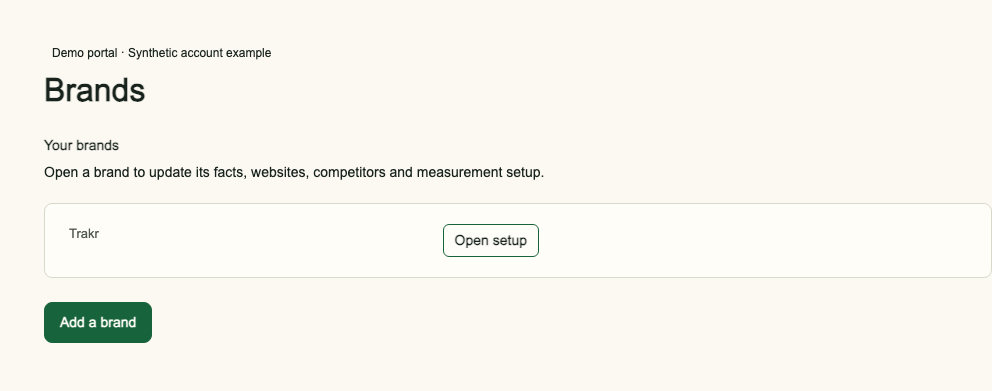
- Choose the brand or website in the portal and open Brand Setup, then Audience & scope.
- Choose the countries and languages you want to measure. Use the country and language matrix to select the exact combinations. Each checked combination is one market.
- Check the market counter against your account allowance. Save the complete configuration after reviewing the shown effects.
- Review the shared buyer-question catalog that is measured in each market. The account owner approves the initial questions once during onboarding.
For example, a two-market account can choose USA in English and Canada in English. A third combination, such as Canada in French, would need another market. The portal uses country codes such as US and CA in the configuration; a region preset expands into countries before saving.
The brand shares one semantic question catalog across its markets, with localized wording. Each market measures that catalog separately, within its effective question limit. Independently edited per-market catalogs are not available. Editing questions does not add a market; adding a country or language combination does. Changes apply from the next run and are marked in the trend. Read the setup steps.
How many questions belong to a market?
The effective limit is the account's purchased allowance, capped at 100 buyer questions per market and reduced by any account-specific limit, such as 20. Use the effective per-market limit shown in Settings; the connector should read the account licence and never promise more than 100 questions per market. An account with two markets and a custom limit of 20 questions per market measures the same catalog of up to 20 questions separately in USA in English and Canada in English. It does not provide 40 independently editable questions.
B2B and B2C are question categories within that catalog. They do not create markets or increase the question limit. Separate B2B/B2C report filters are not available. For example, 12 B2B and 8 B2C questions fill a 20-question catalog. Read how to review buyer questions.
Can Claude explain my current allowance?
Yes. Ask your connected assistant: “How many markets are included, which combinations are configured, and how many questions can I use in each?” It should call get_account_context for account capacity and get_measurement_setup to read your current setup and licence, name the country and language pairs, and use your account's actual limits. It should not infer a custom limit from the standard plan. Read the MCP connector guide.
Frequently asked questions
What counts as one market?
One brand or website in one country and one language counts as one market.
Does a second language use another market?
Yes. A second language for the same website and country is another market. A second country is another market too.
Do B2B and B2C get separate question limits?
No. B2B and B2C share the buyer-question limit within each market.
Does changing questions create another market?
No. Editing the saved configuration or its buyer questions does not add a market.