Wait for the prepared set
Buyer questions follow saved brand facts, the agreed scope and Search Console evidence or your saved research choice. The owner receives an email when the set is ready to review. Preparation time depends on its state; there is no fixed business-day promise.
The brand shares one semantic question catalog across its markets, with localized wording. Each market measures that catalog separately, within its effective question limit. Independently edited per-market catalogs are not available. Use the effective question limit shown in Settings, capped at 100. B2B and B2C are question categories within that catalog. They do not create markets or increase the question limit. Separate B2B/B2C report filters are not available. Changing a question does not create another market.
Save wording changes and additions
Open Buyer questions in Setup & method. Use Change wording on an existing question, or Add for a missing buyer question. Keep the intent relevant to the selected audience and scope. Changed and Added identify your edits; Was shows the earlier wording. While Saving is visible, wait for the saved result. Updated-ready means the updated proposal is ready for another review, not already measured.
If saving fails, retain your wording and retry after resolving the visible issue. If the source version changed, reload and review the current proposal. Pending edits or a stale proposal prevent approval.
Approve your questions once
The account owner reviews and approves the exact displayed set once during onboarding, including saved changes and its evidence source. This approval starts measurement automatically when setup is complete. No separate estimate review or start is needed.
Later monthly measurements run automatically. Follow its state in Measurement and First report. Do not approve repeatedly while it runs.
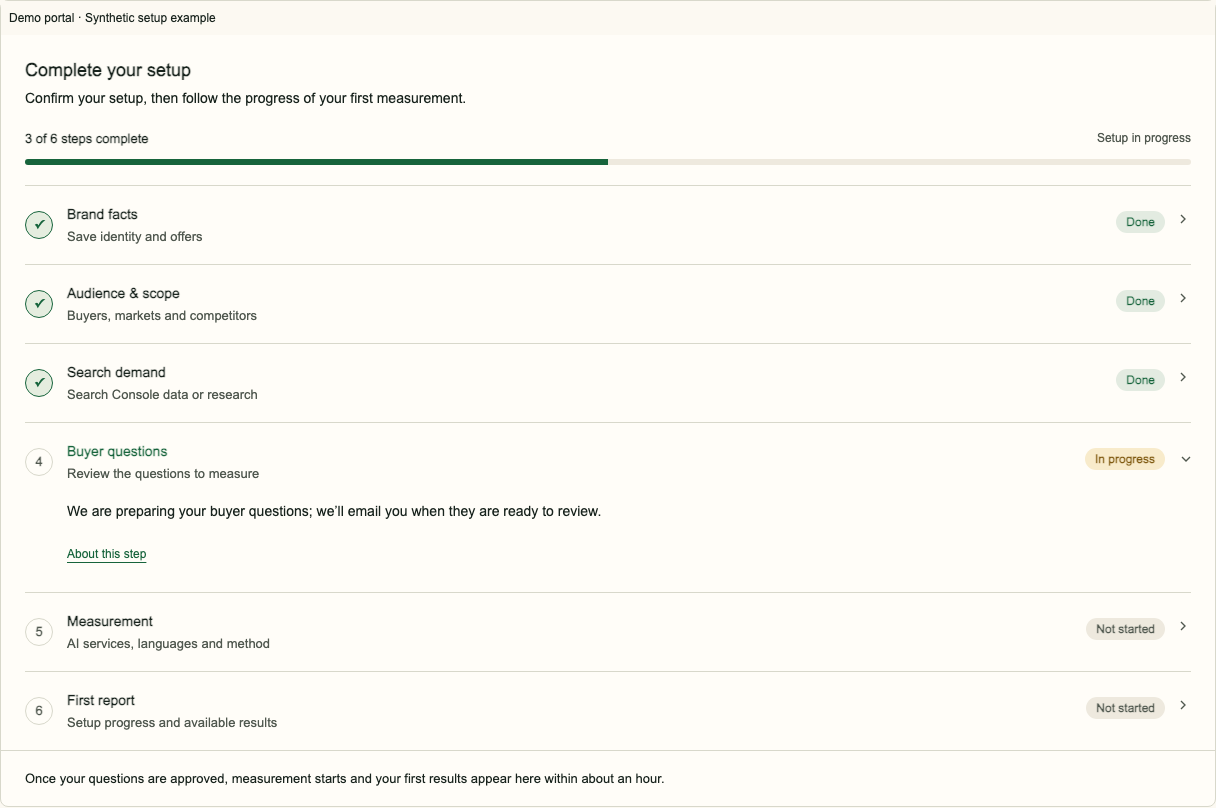
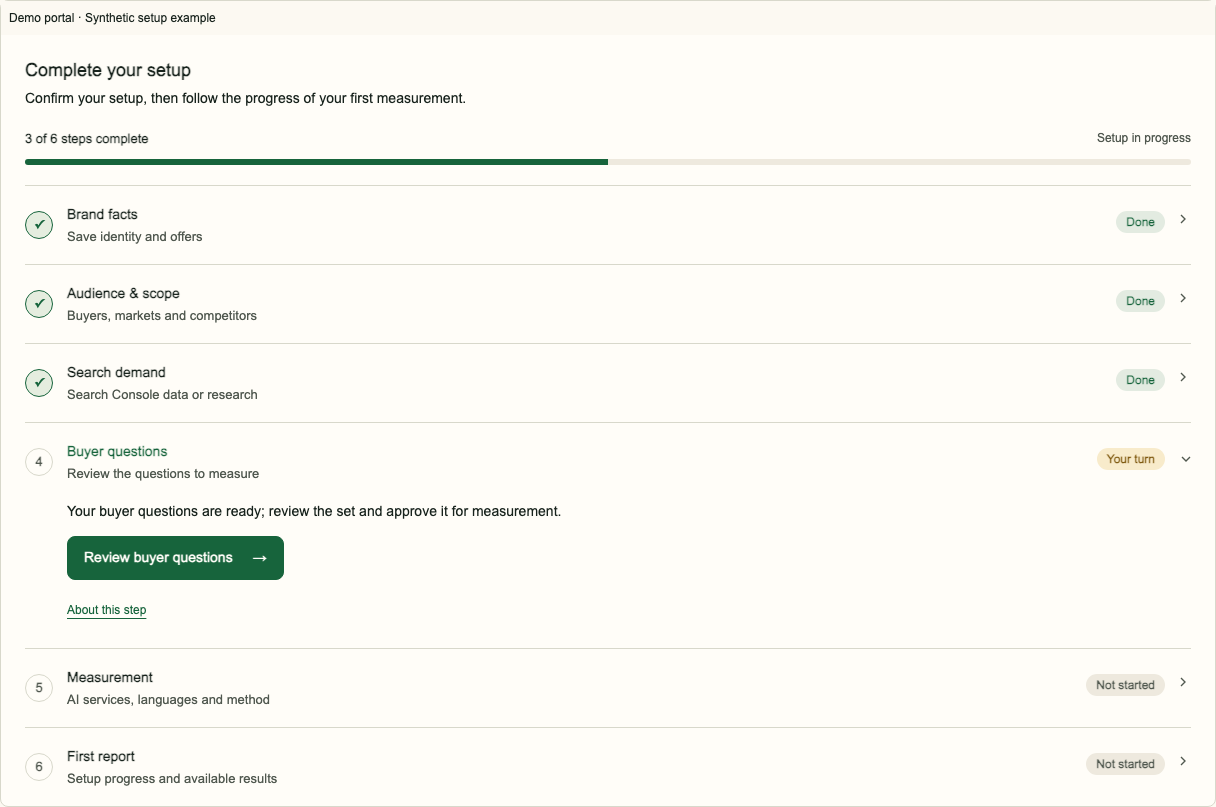
Understand later changes
Saved changes apply automatically from the next run and are marked on your trend charts. No renewed approval is needed. Running measurement continues. Earlier published evidence stays associated with the version that produced it. Never read a wording change as evidence that visibility improved.
Frequently asked questions
Who can approve the questions?
The account owner approves the exact displayed version.
Does approval alone start measurement?
Yes. Question approval starts measurement automatically when setup is complete. Later monthly measurements run automatically.
Why is approval unavailable?
Pending edits, changed source inputs or a stale proposal need to be resolved before approval.